all tutorials
Make your images 4x smaller: a newer format.
The same photo can be a quarter of the size and look exactly the same. You don't need to write the code. If you understand the idea, you know what to ask for, and you can check it on any site in a minute.
the player loads from youtube when you press play / watch on youtube (opens in a new tab)
same size
One photo, three files.
The same photo of a latte, 800 pixels wide, saved three times. First as a JPEG, the format the web has used since the 1990s. Then as WebP and AVIF, two newer formats made for the web.
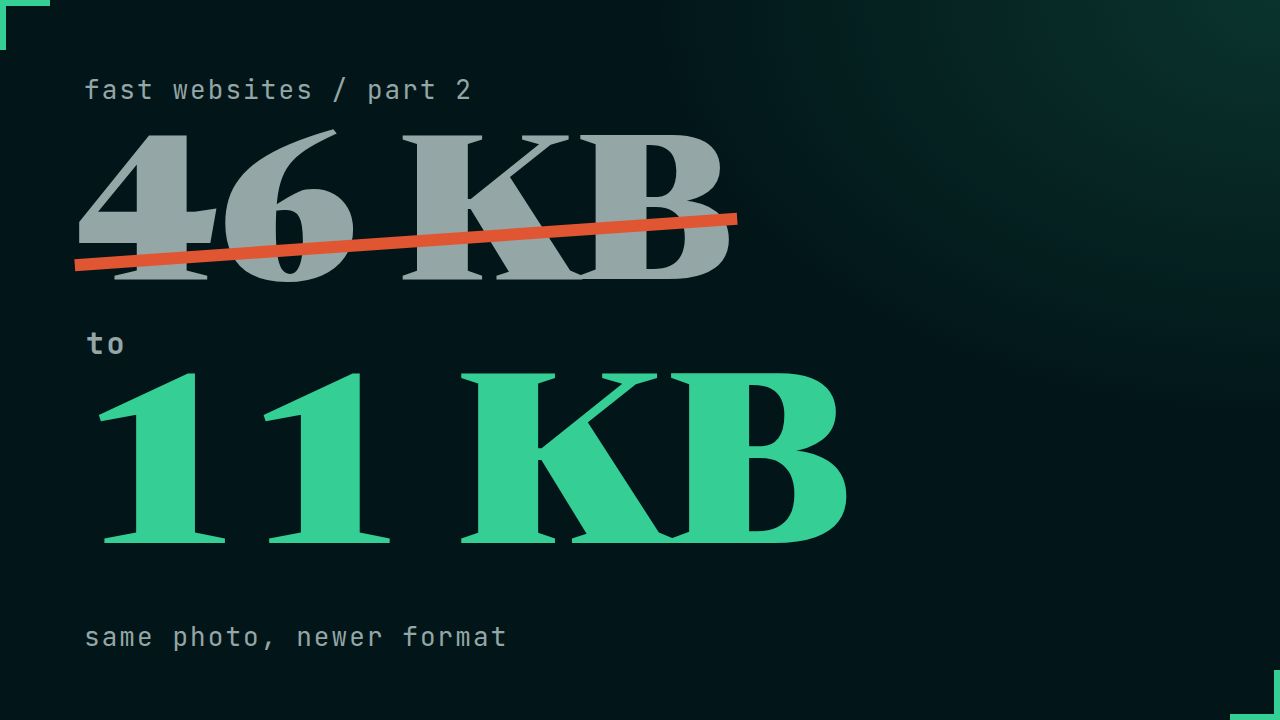
The JPEG is 46 KB. The WebP is about half of that, and the AVIF about a quarter. Zoomed in three times, to the edge of the cup, I can't see a difference. The newer formats compress smarter: they keep the details your eye notices and drop the ones it doesn't.
element
Nobody gets a broken image.
A few older browsers can't show AVIF. That's why not every site uses it. The fix is a small piece of code called the picture element. It lists the formats, the best one first, and each browser takes the first one it understands.
- A current browser takes the AVIF.
- A slightly older one takes the WebP.
- A very old browser ignores both and shows the JPEG.
It works together with part 1. Each format gets its own srcset and sizes, so the browser picks the right format and the right size in one step.
from part 1
Less than a third of the data.
The cafe page from part 1 already had lazy loading and srcset, but still in JPEG. On a desktop screen it downloaded about half a megabyte.
With the picture element and AVIF, it downloads less than a third of that. Same photos, same sizes, same look. On a phone it's a few dozen kilobytes. In part 1, the same page started at 18.7 MB.
800 pixels wide
The same photo, three formats.
| Format | File size |
|---|---|
| JPEG | 46 KB |
| WebP | 22 KB |
| AVIF | 11 KB |
Every image on this website is served this way.
What to ask your developer.
Ask these three questions, to whoever builds your site or to the tool you use:
- Are our images served as AVIF or WebP?
- Is there a JPEG fallback for older browsers?
- Does the conversion happen automatically on upload, so nobody has to remember it?
WordPress accepts WebP uploads since version 5.8 and AVIF since 6.5. Many hosts and image plugins can also convert your photos automatically when you upload them.
on a computer
Check any site.
- Open the website in Chrome on a computer.
- Press F12 and open the Network tab.
- Click "Img" to show only images, then reload the page.
- Look at the Type column.
If it says avif or webp, you're good. If it's all jpeg or png, there's an easy win.
I check it
Send me your link. I'll check it.
Send me your website address. I'll look at what your images cost on a phone and write back what I would fix first, in plain words.
or write to ivo@bytflow.com