all tutorials
Why your website is slow: the images.
Images are the heaviest part of most websites. You don't need to write the code to fix them. If you understand two simple ideas, you know what to ask for, and you can see when it's missing.
the player loads from youtube when you press play / watch on youtube (opens in a new tab)
at once
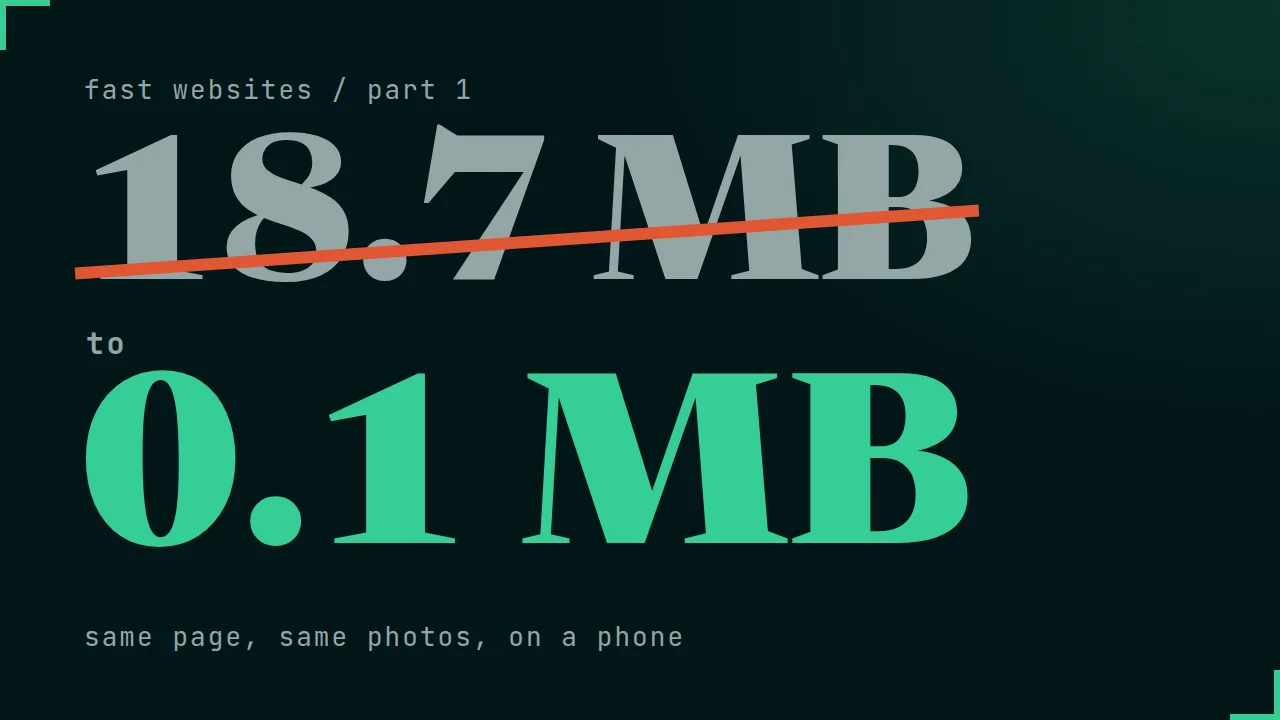
25 images and 18.7 MB, before anyone scrolls.
The demo is a small cafe website: one big photo at the top and 24 products below. Every photo is the original file from the camera, 2400 pixels wide.
When the page opens, the browser downloads all 25 images at once: almost 19 MB. On a normal mobile connection that took more than twelve seconds. But the visitor sees only the first two or three images. Many people never scroll down to the rest.
Idea one: load later.
One small instruction in the code, loading="lazy", tells the browser: don't download this image until the visitor scrolls close to it. The page opens with only the images near the screen. The rest arrive just before they come into view. The visitor doesn't notice anything, except that the page opened faster.
Two rules come with it:
- Every image gets a width and a height. The browser keeps the space free, so the page doesn't jump when the image arrives.
- The big image at the top is never lazy. It should arrive first, so it gets a high priority.
Idea two: load less.
Lazy loading decides when an image downloads. The second question is which file. On a phone the product photo is about 390 pixels wide, but the original page still sends the 2400-pixel file: six times wider than the screen can show.
The fix is srcset: the same photo saved in a few widths, from small to the original, plus a short note, sizes, that tells the browser how wide the image will be on the page. The browser then picks the smallest file that still looks sharp. On this phone it took a file of about 20 KB instead of 700 KB. A phone with a sharper screen gets a bigger file, and that's correct too. Nobody chooses by hand.
same photos
The same page, on a phone.
| When the page opens | Before | After |
|---|---|---|
| Images | 25 | 5 |
| Data | 18.7 MB | about 0.1 MB |
No new design. The page looks exactly the same.
What to ask your developer.
You don't need to remember the code. Ask for these four things, from whoever builds your site or from the tool you use:
- Images below the first screen load lazily (loading="lazy").
- The top image loads first (fetchpriority="high"), never lazy.
- Every image has a width and a height.
- Every image comes in several sizes (srcset and sizes), so each device gets the right file.
WordPress does a lot of this on its own. Page builders, sliders and very large uploads often break it.
on a computer
Check your own site.
- Open your website in Chrome on a computer.
- Press F12 and open the Network tab.
- Click "Img" to show only images, then reload the page.
If the list fills up with images you can't see yet, or the total at the bottom says several MB, now you know why the site is slow.
I check it
Send me your link. I'll check it.
Send me your website address. I'll look at what your images cost on a phone and write back what I would fix first, in plain words.
or write to ivo@bytflow.com